






Publicité
pdf-converter-file-editor
- 4.6 Notes
- 40.70M Taille
- 12+ Âge
-
Catégorie
Outils -
Date de mise à jour
-
Version
1.0.3 -
Développeur
SKYLAR BUCKETHAL -
Sécurité
100%
Publicité
Captures d'écran
Ce à quoi vous pouvez vous attendre
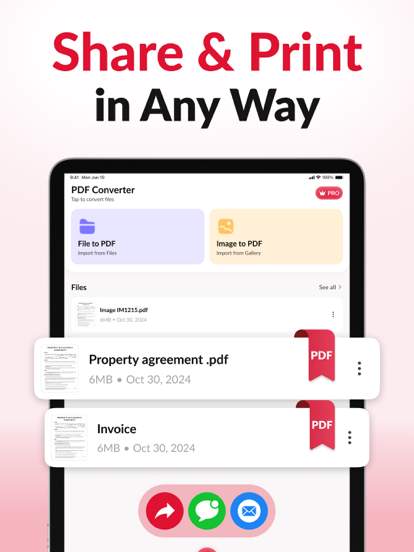
Introducing PDF Converter & File Editor, a powerful and versatile tool designed to make handling PDF files and other document formats a breeze. Whether you need to convert files to PDF format, edit existing PDF documents, or manage various file types, this app has got you covered with its comprehensive set of features.
**Key Features:**
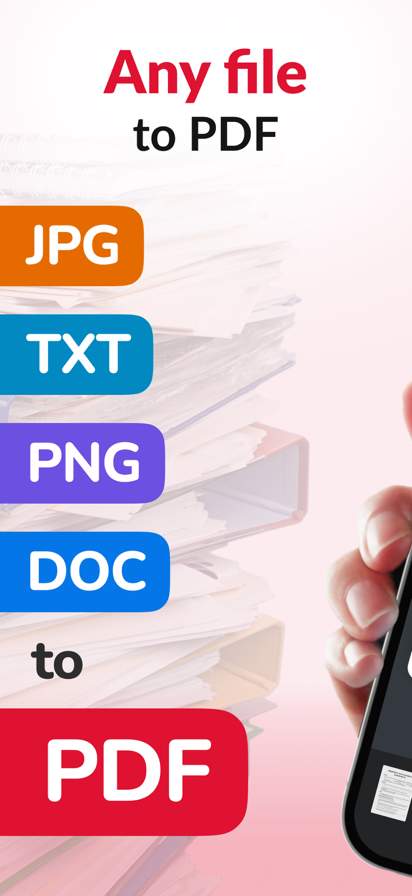
**1. PDF Conversion:** With PDF Converter & File Editor, you can easily convert various file formats such as Word, Excel, PowerPoint, images, and more to high-quality PDF documents. This feature comes in handy when you need to create professional-looking PDF files for presentations, reports, or any other purpose.
**2. File Editing:** Edit PDF files with ease using the app's editing tools. You can modify text, images, and other elements within the PDF document, making it simple to update and customize your files as needed. Whether you need to correct a typo or make substantial changes, this feature provides you with the flexibility to do so efficiently.
**3. File Management:** Organize and manage your documents effectively using the app's file management capabilities. You can easily access, rename, delete, and share files directly within the app, streamlining your workflow and ensuring that your documents are well-organized.
**4. Merge and Split PDFs:** Combine multiple PDF files into a single document or split a large PDF into smaller, more manageable files. This feature is particularly useful when dealing with multiple documents that need to be consolidated or separated for easier handling.
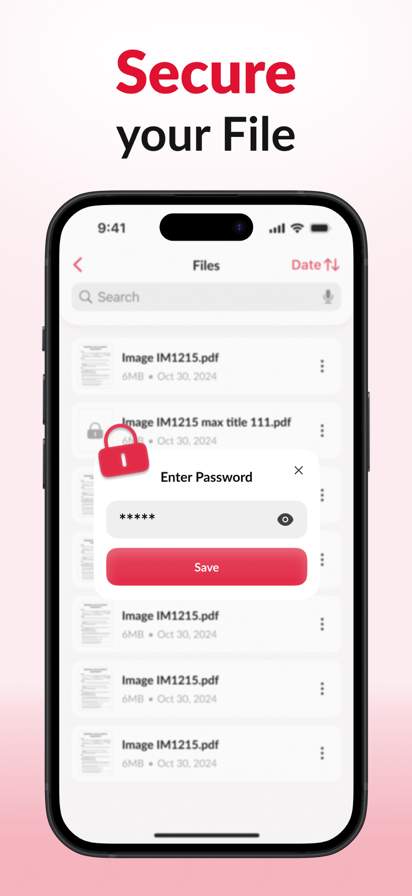
**5. Secure Document Handling:** Protect your sensitive information with the app's security features, including password protection and encryption. You can ensure that your documents are safe from unauthorized access and maintain confidentiality when sharing or storing files.
**6. Cloud Integration:** Seamlessly integrate with popular cloud storage services such as Google Drive, Dropbox, and OneDrive to access and save your files directly from the app. This feature allows you to work on your documents from anywhere, ensuring that you have access to your files whenever you need them.
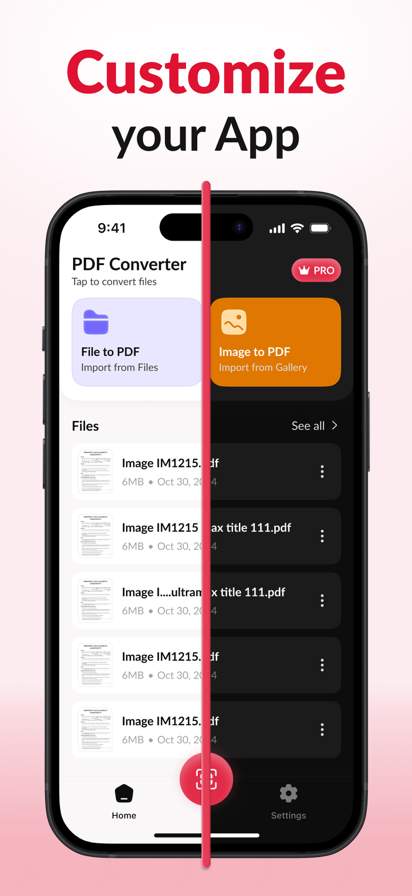
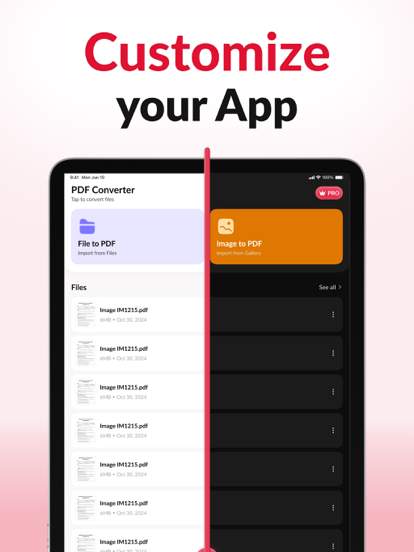
**7. User-Friendly Interface:** PDF Converter & File Editor boasts an intuitive and user-friendly interface that makes it easy for users of all levels to navigate and utilize its features effectively. Whether you are a beginner or an experienced professional, you will find the app's interface to be straightforward and easy to use.
In conclusion, PDF Converter & File Editor is a versatile and feature-rich tool that simplifies the process of working with PDF files and other document formats. Whether you need to convert, edit, or manage your documents, this app provides you with the tools you need to handle your files efficiently and effectively. Download PDF Converter & File Editor today and take your document management to the next level.
Antivirus vérifié
Applications similaires
-

- vpn
- 4.7
-
- Animation Creator: Flipbook 2D
- 4.0
-
- Days To | Countdown
- 4.7
-
- StubHub: Event Tickets
- 4.8
-
- google-family-link
- 4.6
-
- Black People Meet Singles Date
- 3.7
-
- Parcel Pending Mobile
- 4.8
-
- eshare-for-iphone
- 3.3
-
- OBD Scanner ELM327: GaragePro
- 3.3
-
- carlink---digital-key
- 4.6
-
- storage-smart-entry-by-nokē
- 4.9
-
- KakaoTalk : Messenger
- 3.8